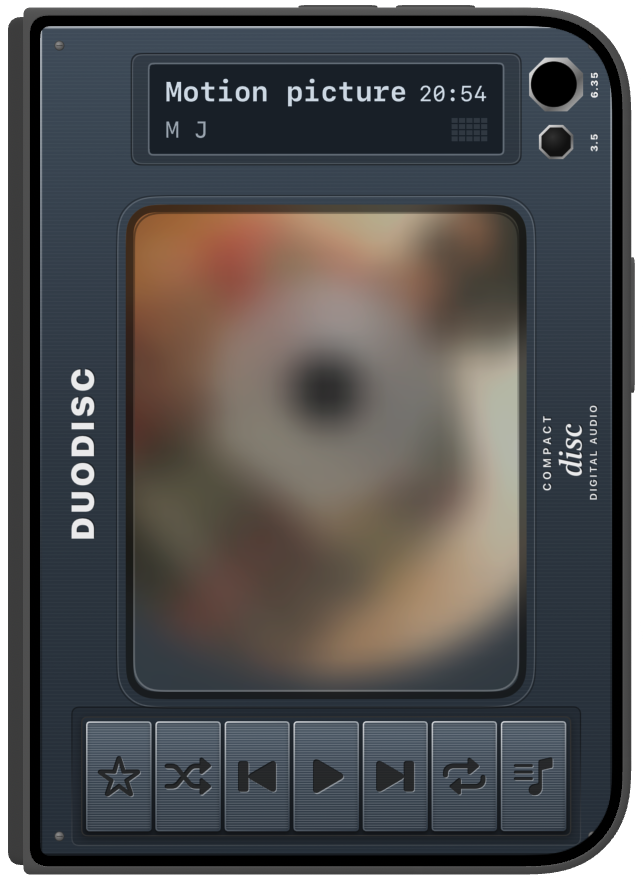
Closed cover
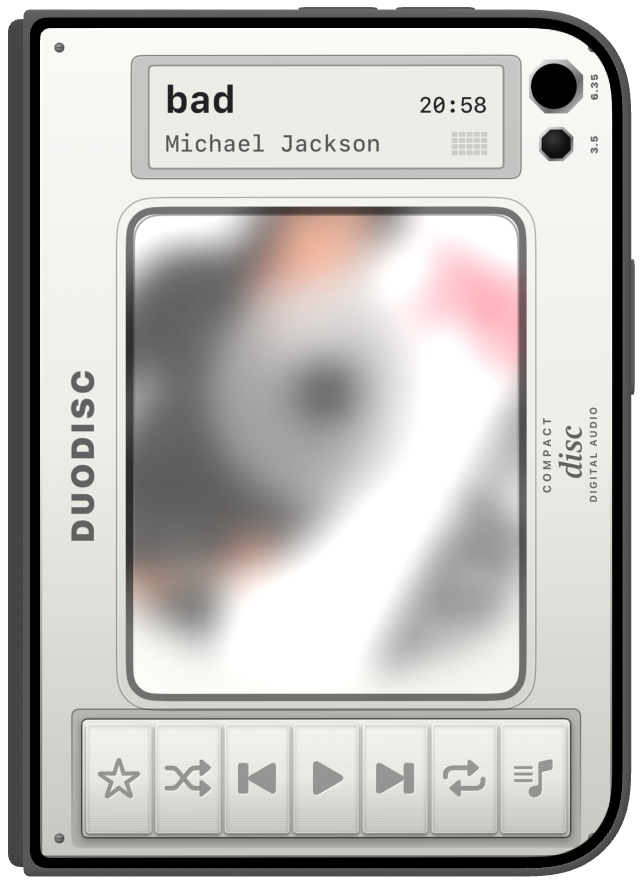
On a closed iPhone Duo, the cover is the player. This frame is Star White, with a disc already in.
DuoDisc
A virtual CD player for iPhone.
Available from 23.10
On a closed iPhone Duo, the cover is the player. This frame is Star White, with a disc already in.
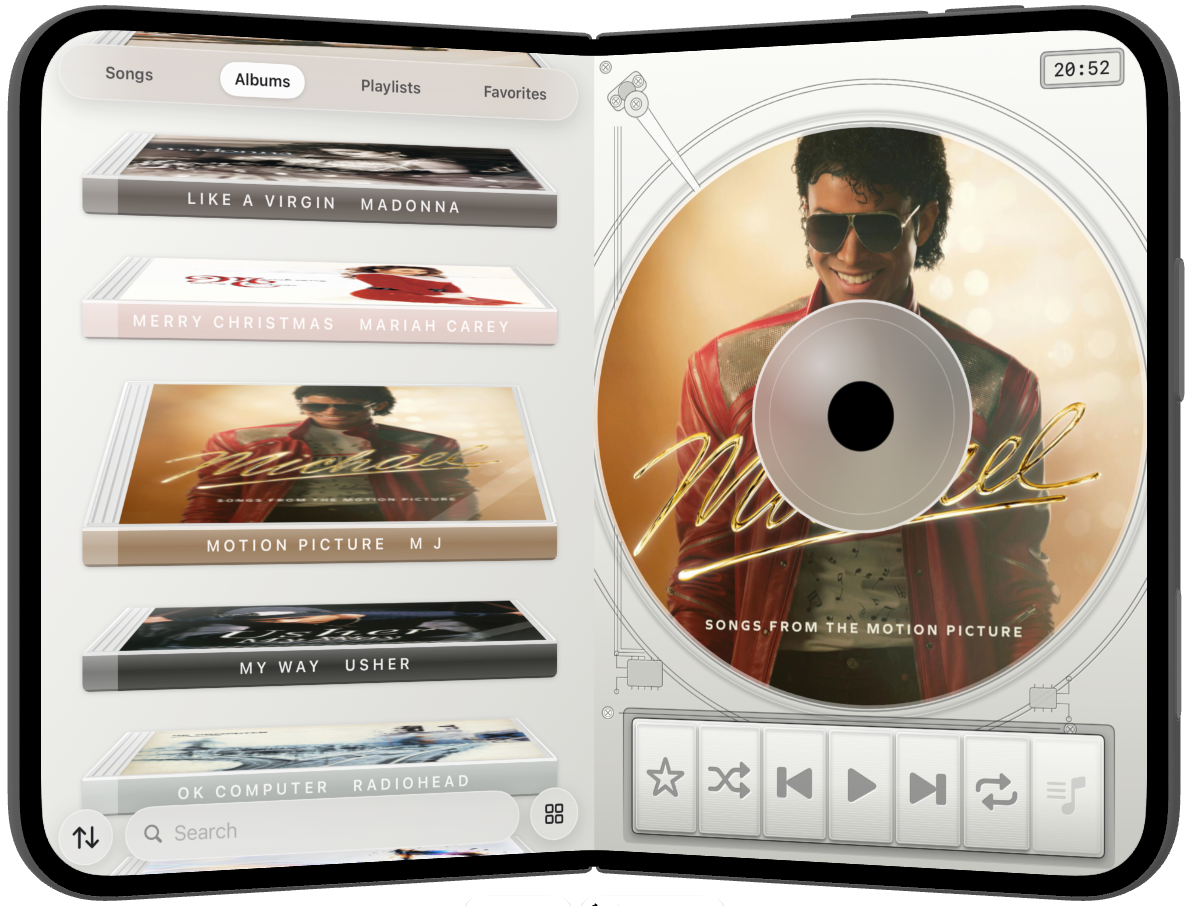
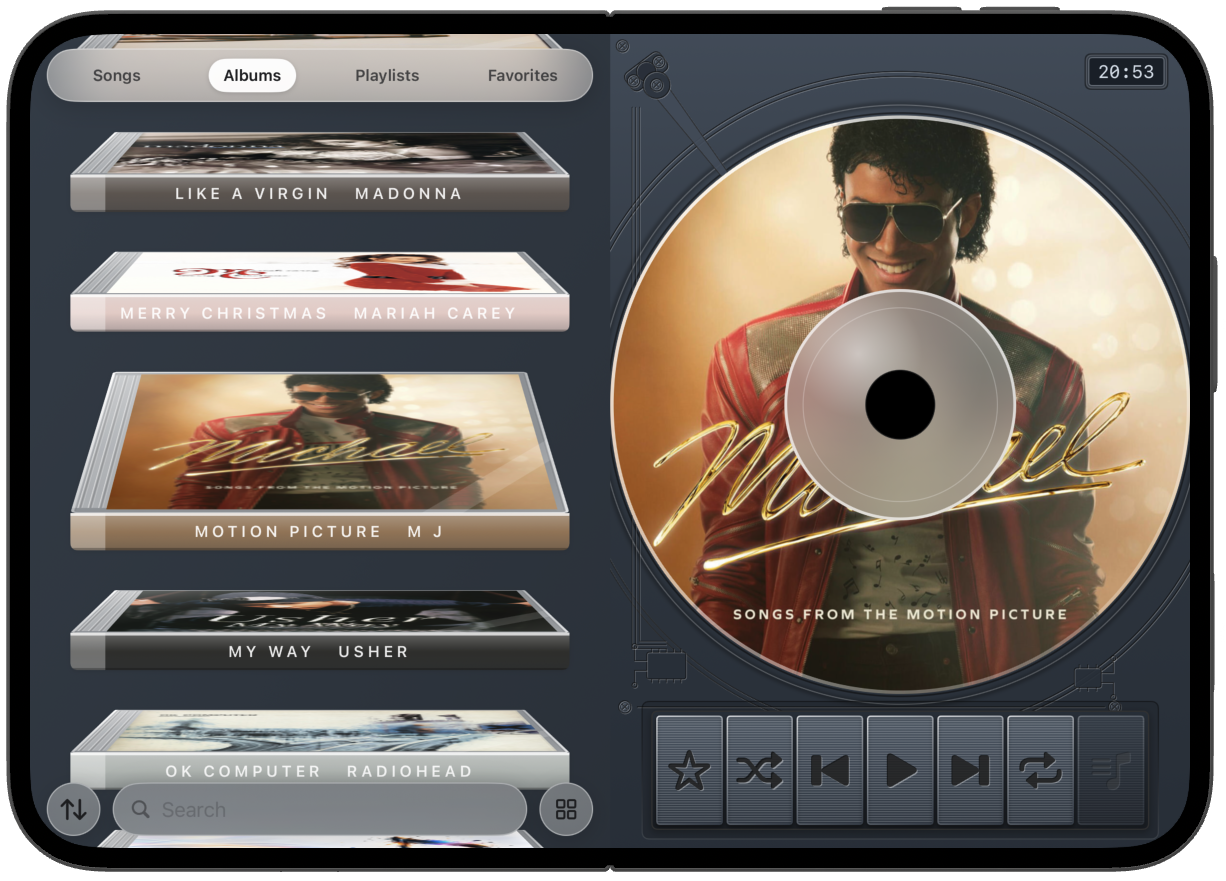
Open iPhone Duo and the albums stay beside the disc while the hinge moves. That open is one smooth step, not a cut to another screen.
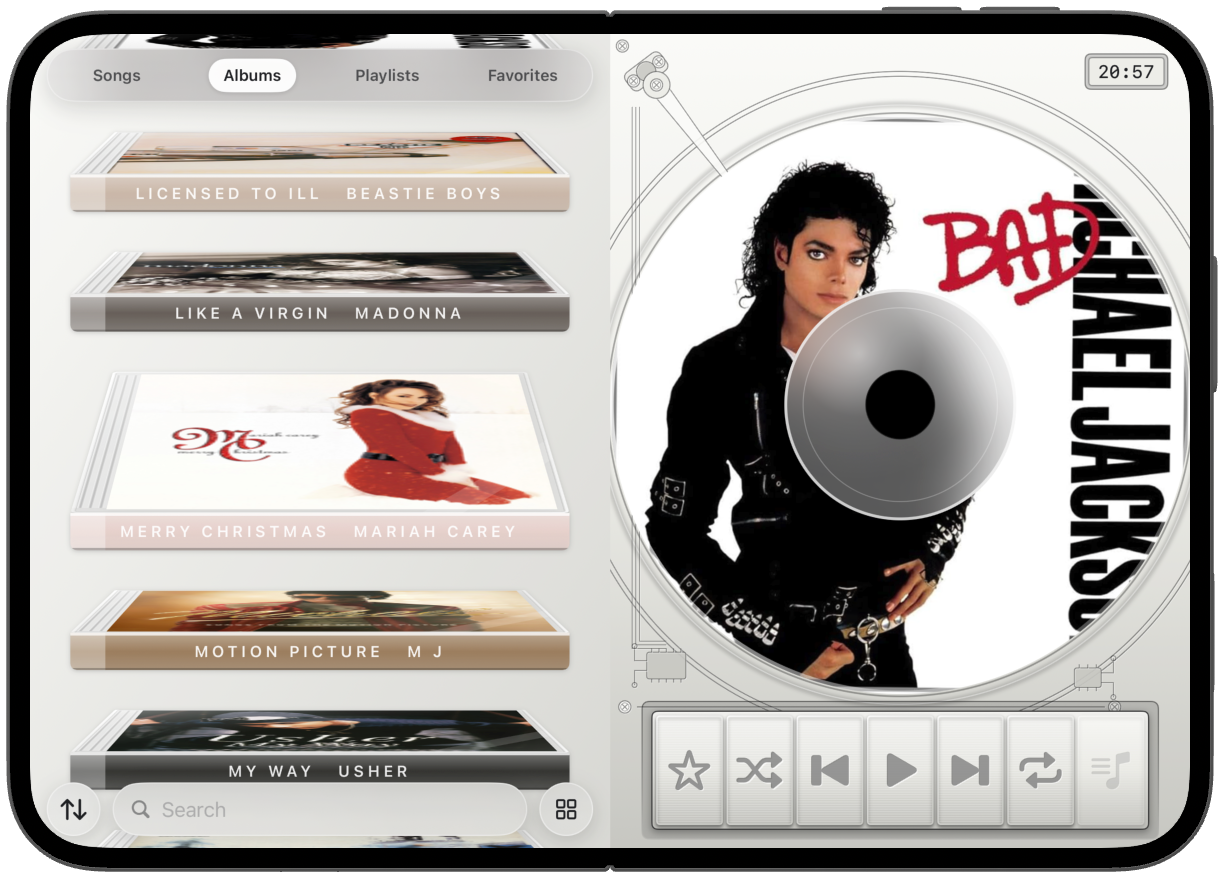
Open iPhone Duo flat and the albums sit beside the disc.
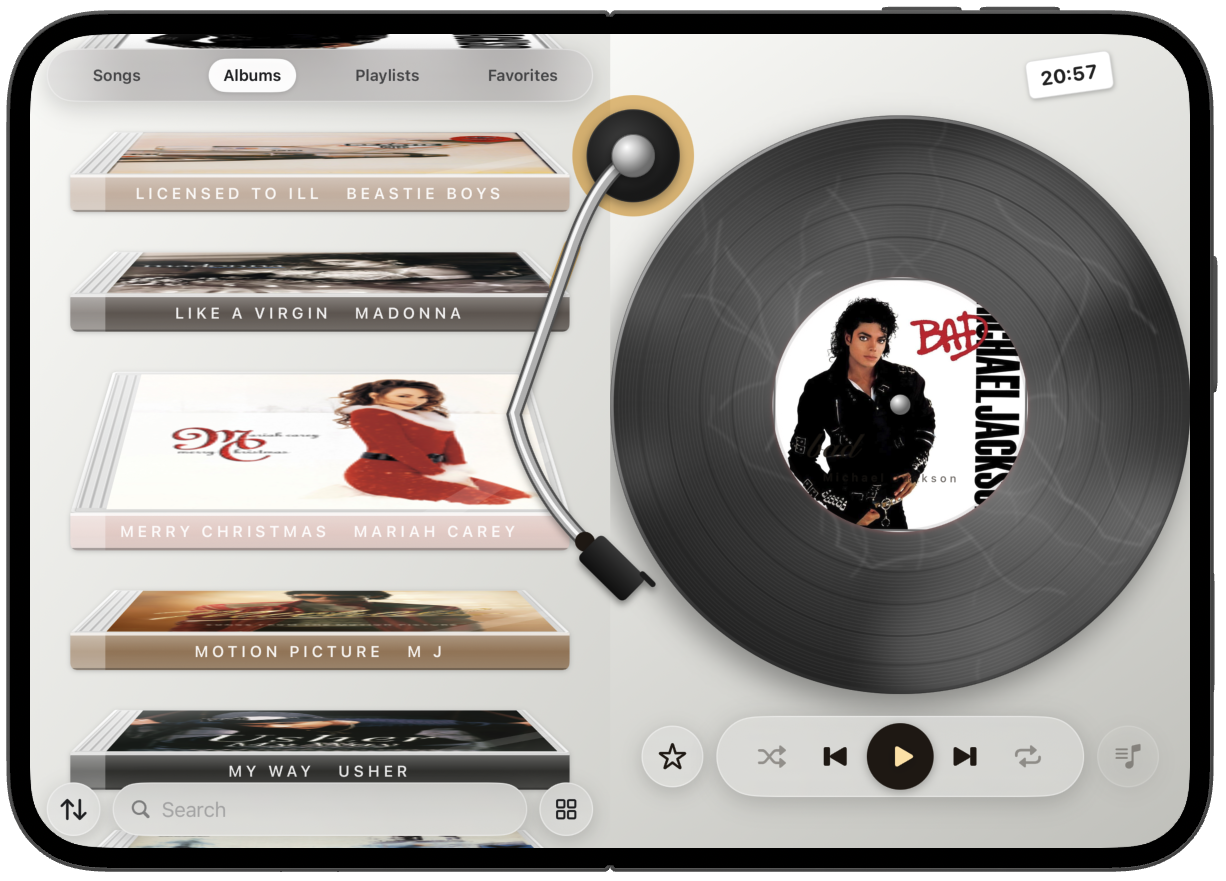
That open player can be a record. The albums stay. The disc is vinyl, with the tonearm and a round play control.
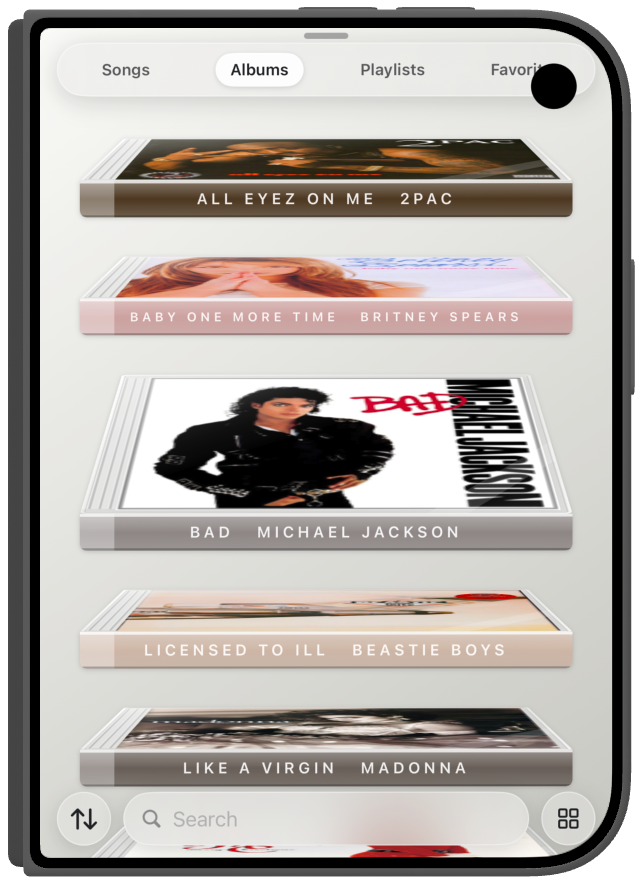
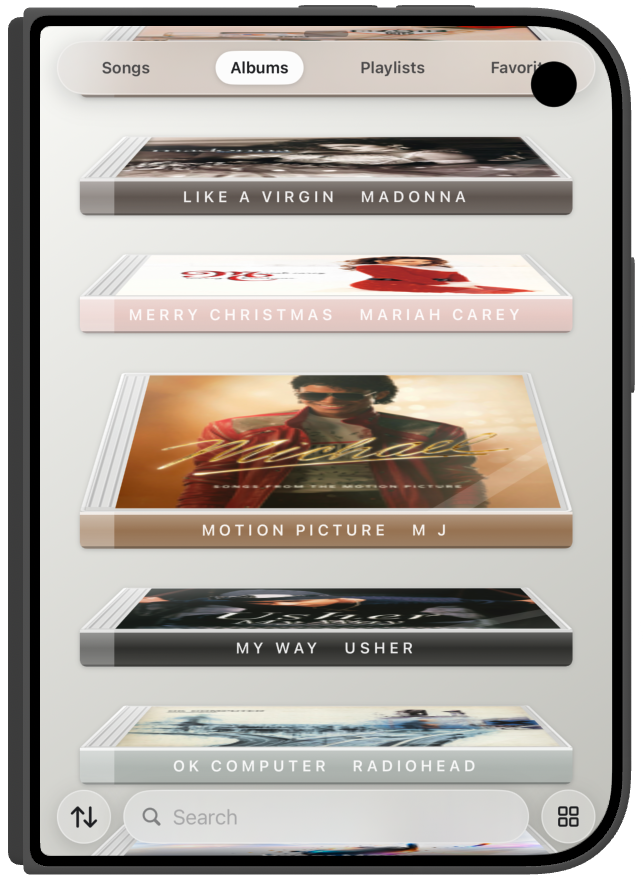
That same closed iPhone Duo can show the library as a list instead of the player.
Set iPhone Duo down in a tent. The album spines face you, so you can browse without holding it.
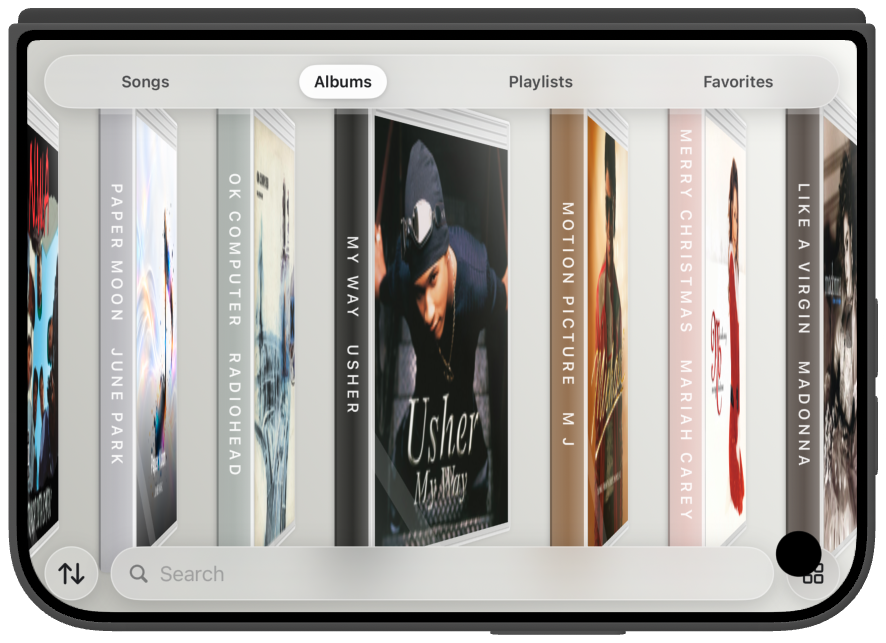
Fold iPhone Duo into a laptop. Albums stay on the lid. The disc and the transport sit on the base.
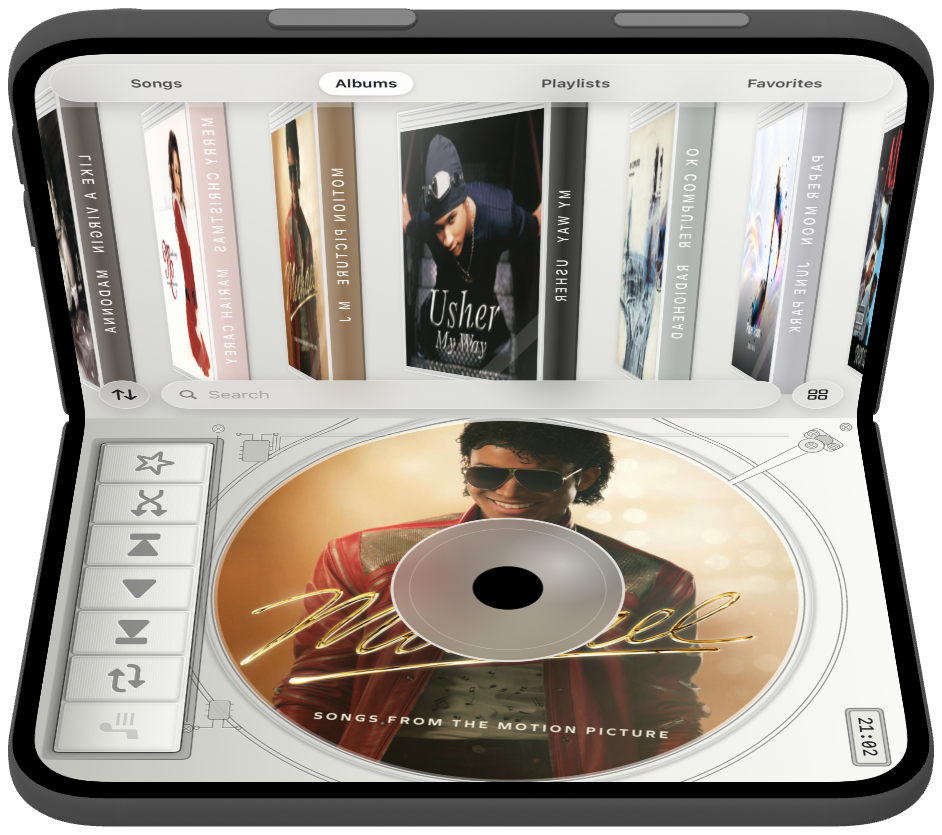
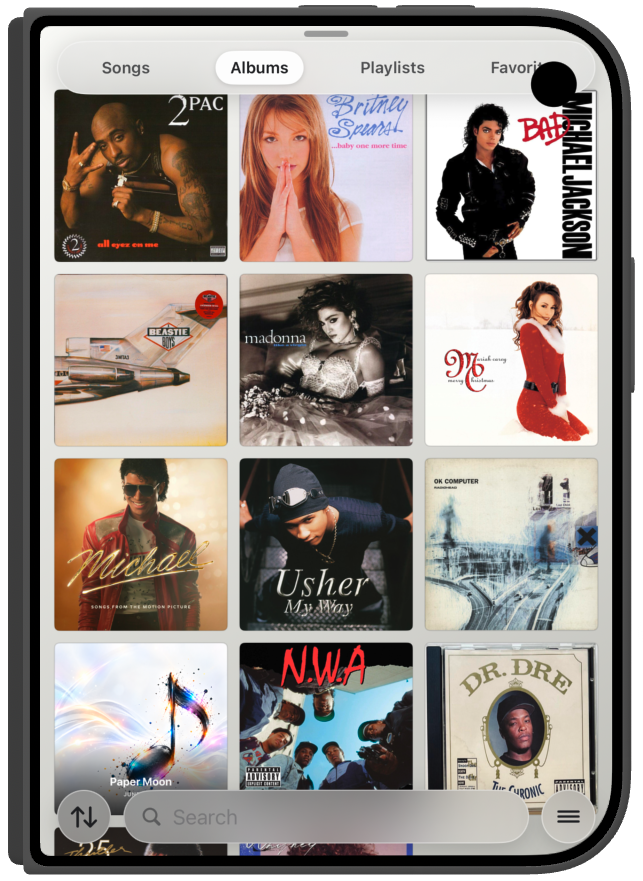
Search the library, or switch Albums to Playlists and Favorites. Songs and albums come from your Apple Music library. Cloud tracks play if you subscribe. The same phone shows those covers as a grid or as a list.
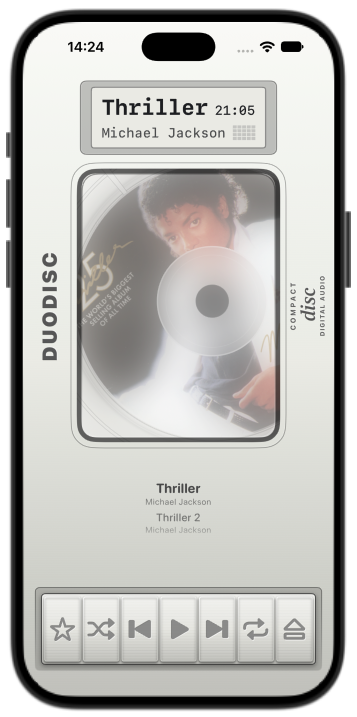
DuoDisc runs on any iPhone. Eject opens and closes the disc door. The theme can be a disc or vinyl.
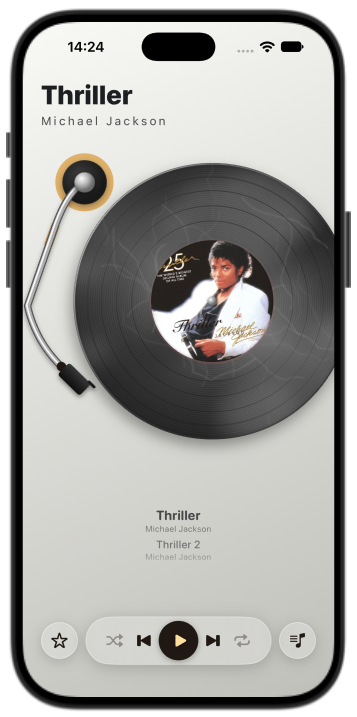
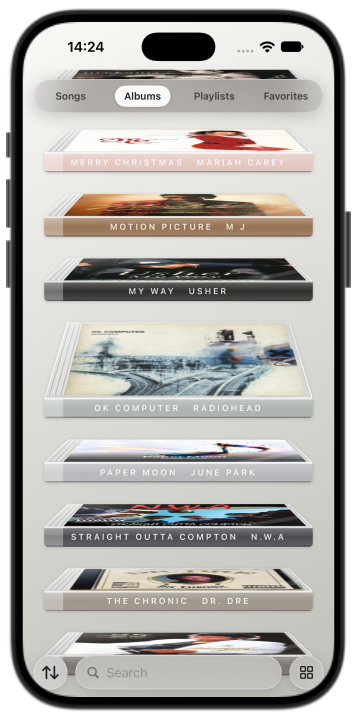
Night Sky and Star White are the iPhone Duo finishes. DuoDisc matches the color of the phone.
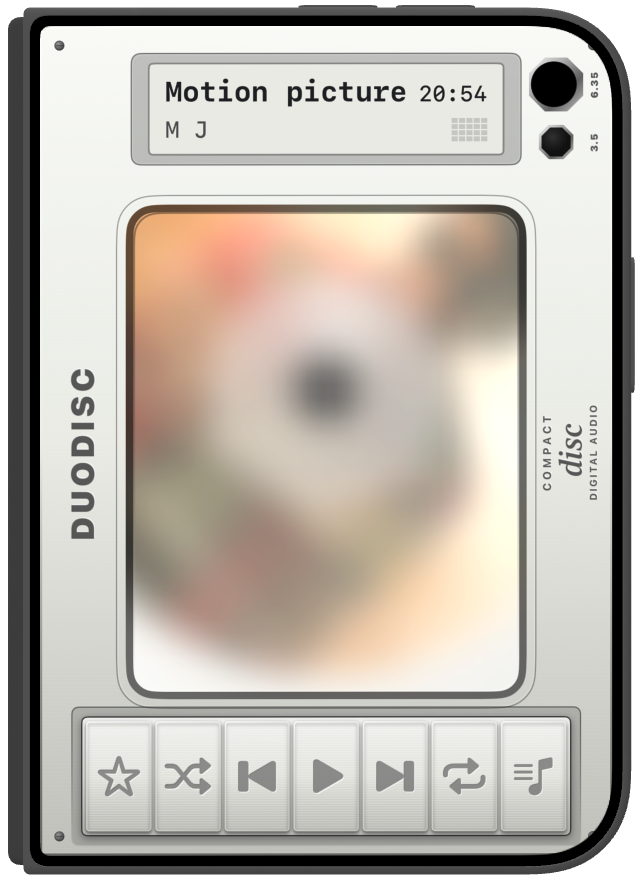
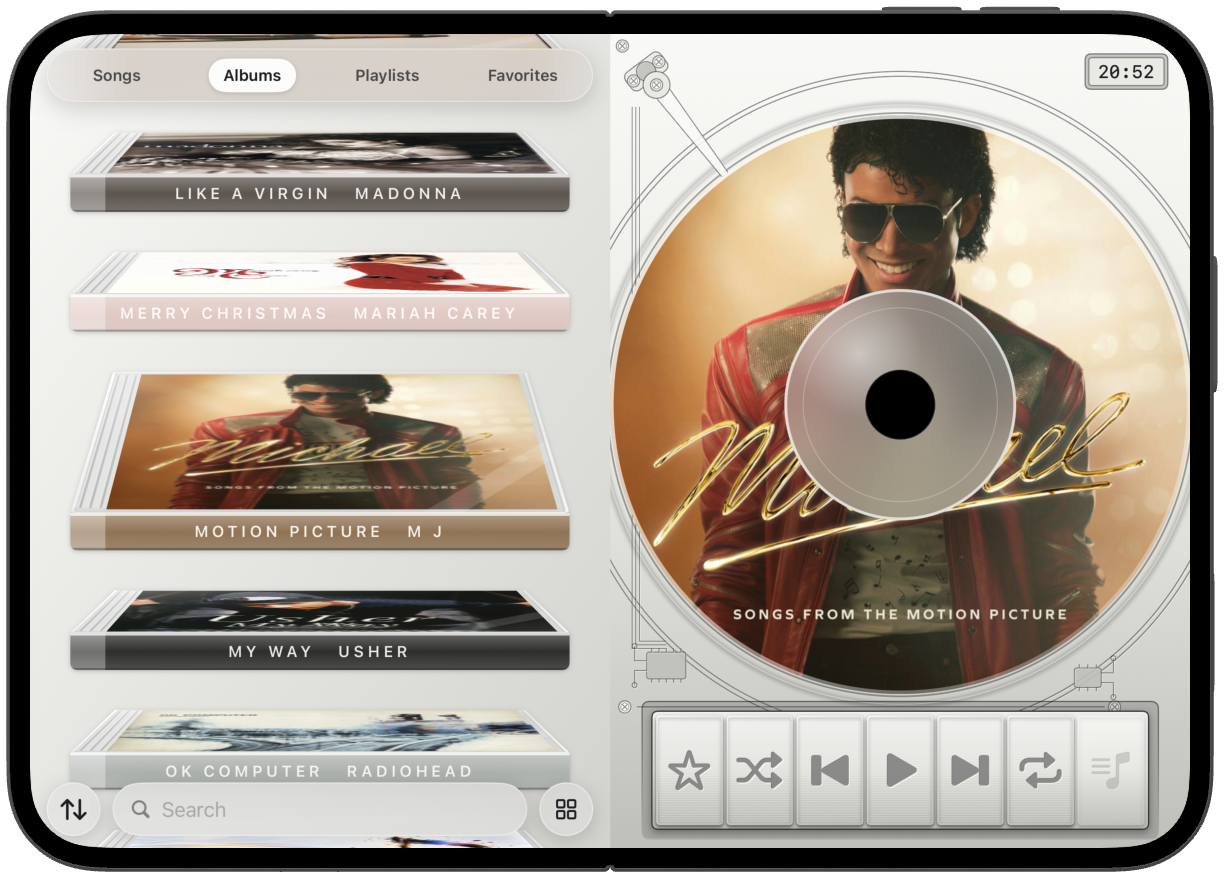
A tap shows the gear and the playback bar. The gear opens Settings. Choose a disc or a record.
The slider sets how transparent the glass on the door is.
Crossfade blends the end of a track into the next. It starts off.